
Finding lead management software that balances price transparency, integrated tools, and fast onboarding is harder than it should be for small business owners. Many well known products require a sales demo before revealing costs, lock features behind higher tiers, or demand extra training time. This comparison shows six lead management alternatives to HubSpot so owners can match the right set of automation and support to their business needs.
Table of Contents
Ringmate AI
At a Glance
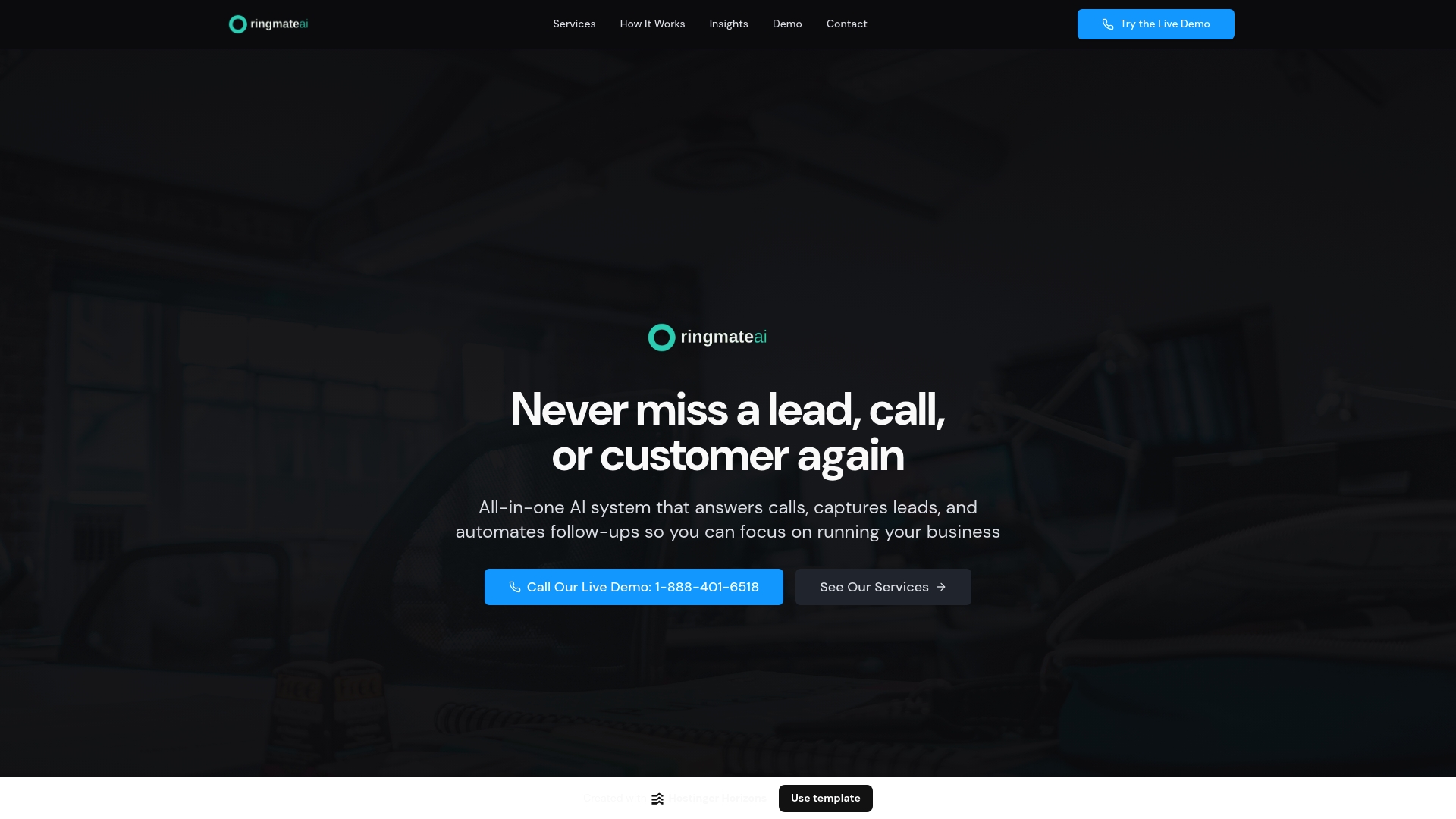
An AI receptionist answers calls and captures leads, then logs them into a built-in CRM and automated follow-up flows. The system operates around the clock to reduce missed leads. Small business owners use it to move inquiries into action without adding headcount.
Core Features
Ringmate AI handles live call answering with an AI receptionist, captures lead data via digital forms, and stores records in a CRM with pipeline management. The platform includes appointment booking, conversion-optimized website creation, Google review boosting, social media lead routing, email and SMS campaigns, payments and invoicing, and online courses. A single business dashboard groups lead reactivation, reminders, and custom tool integrations for centralized control.
Key Differentiator
Ringmate AI combines call answering, lead management, marketing tools, and integrations into a single AI-powered platform tailored for small and medium businesses. That combination removes the need to stitch separate call handling, CRM, and campaign tools together. For teams that rely on phone leads, this reduces the number of manual handoffs required to capture and follow up on new prospects.
Pros
Automating call intake and follow-up reduces manual work and lowers the risk of missed opportunities. Customizable workflows let you map calls to your CRM fields and booking calendar so processes match existing procedures. The platform bundles marketing features such as email and SMS campaigns plus review boosting, which keeps customer outreach inside the same dashboard. Available 24/7 with natural language conversation, it keeps lead capture active outside business hours.
Cons
- Pricing details and tier structure are not publicly listed, requiring direct contact to get a quote.
Who It's For
Owners of local service businesses and small to medium companies that rely on inbound calls will find this most useful. Teams with limited staff who need automated booking, follow-up messages, and online payment handling will get the biggest time savings. Companies that already use several separate tools will benefit from consolidating into one dashboard.
Unique Value Proposition
A single dashboard receives phone calls, routes leads into a CRM, triggers follow-up SMS or email, and can accept payments or sell a course without adding separate vendors. That workflow reduces the number of systems your team must check each morning. The result is faster response to callers and reallocated staff time toward customer conversations and sales.
Real World Use Case
A local service provider routes all incoming calls to Ringmate AI. The AI books appointments, sends confirmation texts, and asks for reviews after service. Staff spend less time on scheduling and more time closing jobs, while previously missed leads get reactivated through automated follow-up.
Pricing
Pricing is not specified on the website and appears to require direct contact for a quote. Expect custom plans based on call volume, feature set, or integration needs. Requesting a demo or sales call will reveal exact tiers and any onboarding fees.
Website: https://ringmateai.com
EngageBay
At a Glance
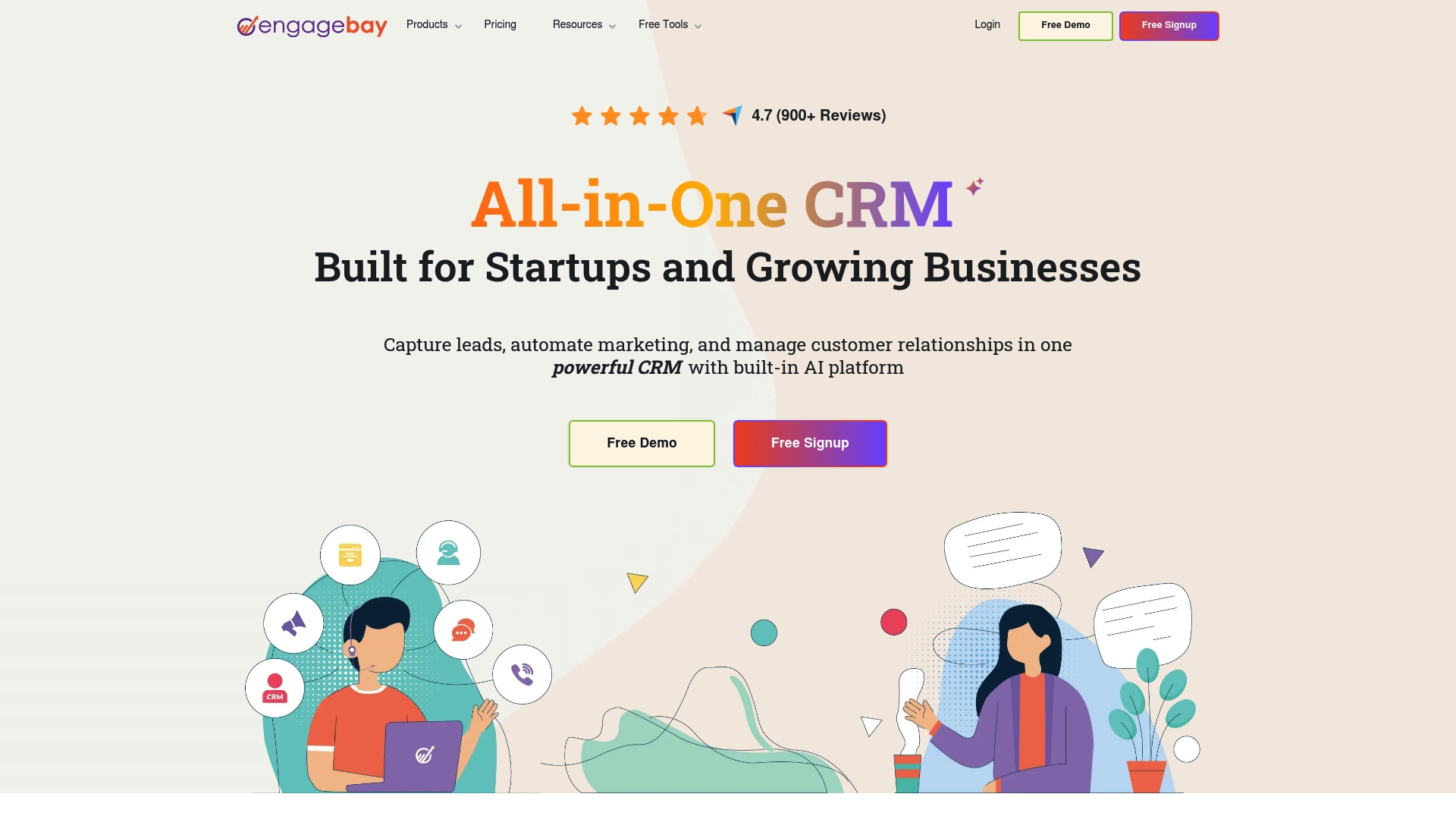
Free plan for up to 15 users with no credit card required. That makes EngageBay a low risk way for small teams to try CRM, email, chat, and helpdesk tools together. The offering targets startups and small businesses that want one system rather than separate apps. Expect a modest learning curve the first few weeks.
Core Features
EngageBay combines marketing automation, CRM and contact management, helpdesk, live chat, and landing page builders in a single product. The platform ties email drip sequences to support tickets and sales outreach so contacts move through marketing and sales without copying data. Admins can build forms and pages, run email campaigns, and handle tickets inside the same account.
Key Differentiator
EngageBay's main distinction is its all in one packaging with a genuine free tier for small teams and accessible automation tools. That focus lowers initial cost and reduces the number of apps a small company must maintain. The product leans toward teams that prefer a single interface for marketing, sales, and support.
Pros
The vendor advertises over 900 G2 reviews and an average 4.7 out of 5, which signals strong user satisfaction in public reviews. The free plan removes onboarding friction for small teams and allows testing features without payment data. Paid plans start at $12.74 per user/month, which positions EngageBay as a budget friendly option versus higher priced CRM suites. Combining email automation, chat, and ticketing in one account reduces admin work for small staffs.
Cons
- Some teams report the feature set feels overwhelming at first and requires time to learn.
- Advanced automation workflows can have a steeper learning curve for nontechnical staff.
- Customization options are more limited than specialized enterprise CRM solutions.
- The platform may encounter limits as organizations grow very large and complex.
When It May Not Fit
If your company plans rapid expansion into a complex sales organization, EngageBay may feel constrained. Very deep custom fields, advanced reporting, or enterprise grade integrations may require switching to an enterprise CRM. Teams without any technical support should budget time for setup and training.
Notable Integrations
- Zapier
- SendGrid
- Mailgun
- Mandrill
- Xero
- Shopify
- Amazon SES
- Stripe
Who It's For
Small business owners and startup teams that need a single system to handle marketing, sales, and support will get the most value. Solo founders and small marketing teams benefit from the free tier and low starting price. Teams that prefer fewer vendors and simpler billing find EngageBay especially practical.
Real World Use Case
A two person startup uses EngageBay to capture leads from a Shopify store, send automated welcome sequences, and route support tickets to the founder. Sales outreach and ticket history appear on the same contact record so follow ups stay informed. The setup reduced app switching and cut monthly app costs for the company.
Pricing
Free for up to 15 users with no credit card required. Paid plans begin at $12.74 per user/month for more advanced features and higher limits. The pricing model charges per user and scales by feature tier.
Website: https://engagebay.com
Ontraport
At a Glance
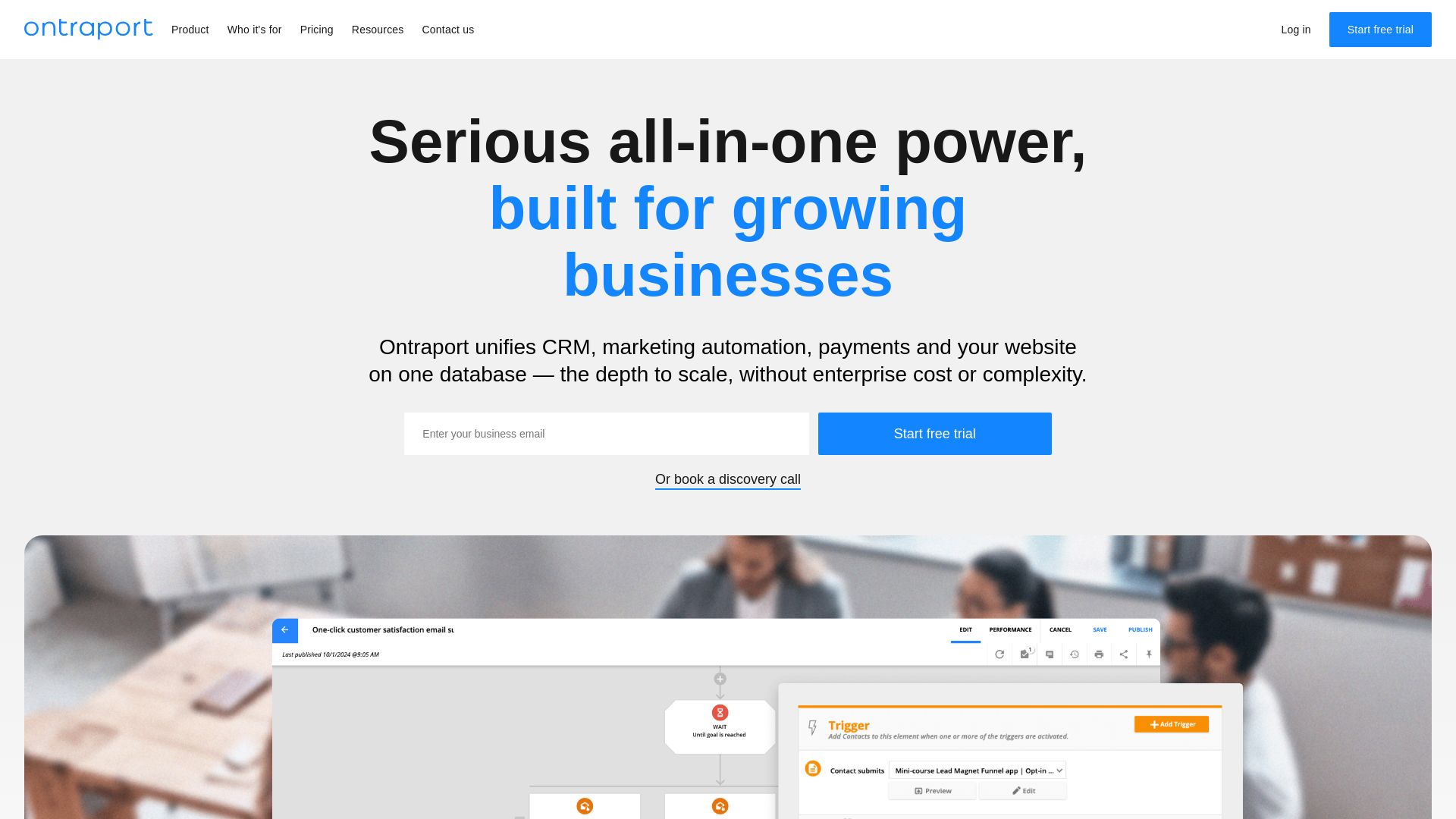
Starts at $83/month for the Plus plan. The platform combines CRM, marketing automation, payment processing, and a website CMS into one package aimed at small and mid sized businesses. That single billing point reduces the number of vendor contracts you must manage.
Core Features
Ontraport bundles marketing automation workflows, a sales CRM, and transaction management so you can run campaigns, track contacts, and accept payments from the same account. The CMS supports course and membership site delivery while a shared inbox centralizes customer messages. An API and third party connectors let you extend the system where built in capabilities fall short.
Key Differentiator
Ontraport unifies core business functions into one platform rather than asking you to stitch separate tools together. That focus makes it easier to pass contact and transaction data across systems without repeated imports or middleware. For owners who want fewer subscriptions and a single data model, this integrated approach shortens operational overhead.
Pros
The platform reduces the number of separate subscriptions you must buy and manage by combining email automation, CRM, payments, and a CMS in one account. It scales with business growth and supports online courses and membership delivery within the same environment. Security, compliance, and customer support are listed as core strengths, and the system exposes an API for connecting popular apps when you outgrow built in features.
Cons
- Pricing can climb for advanced tiers and add ons. This raises month to month cost for larger contact lists or Pro features.
- New users may face a learning curve because the feature set is extensive. Setup and customization can take time for people without automation experience.
- Some customers report complexity during initial configuration. Expect to allocate hours for testing and training.
When It May Not Fit
If you want a narrow, single purpose tool for only email or only payments, this platform may feel too broad. Organizations on tight budgets that need only one simple function will find lower priced single function tools. Teams without appetite for a setup phase or automation learning could prefer a more focused, simpler interface.
Notable Integrations
Ontraport connects with Zapier, Stripe, and PayPal for payment and workflow automation. It also integrates with WordPress for site publishing and with Facebook Ads and Google Analytics for campaign tracking. These connections let you combine Ontraport features with tools you already use.
Who It's For
Small to mid sized business owners and entrepreneurs who want an integrated platform for marketing, sales, and web management will benefit most. Owners who run courses, membership programs, or ecommerce subscriptions and who prefer fewer vendors will see the biggest time savings. Businesses ready to invest in setup and training will extract the most value.
Real World Use Case
A coaching business centralizes email sequences, client records, payment processing, and course hosting inside one account. The coach uses automated sequences to onboard clients, tracks lifetime value in the CRM, and runs membership access through the CMS. That single system reduces administrative steps and keeps client data in one place.
Pricing
Plans start at $83/month for the Plus plan and rise for Pro and Enterprise tiers. Additional fees may apply for higher contact counts and advanced features as listed on the vendor pricing page.
Website: https://ontraport.com
Agile CRM
At a Glance
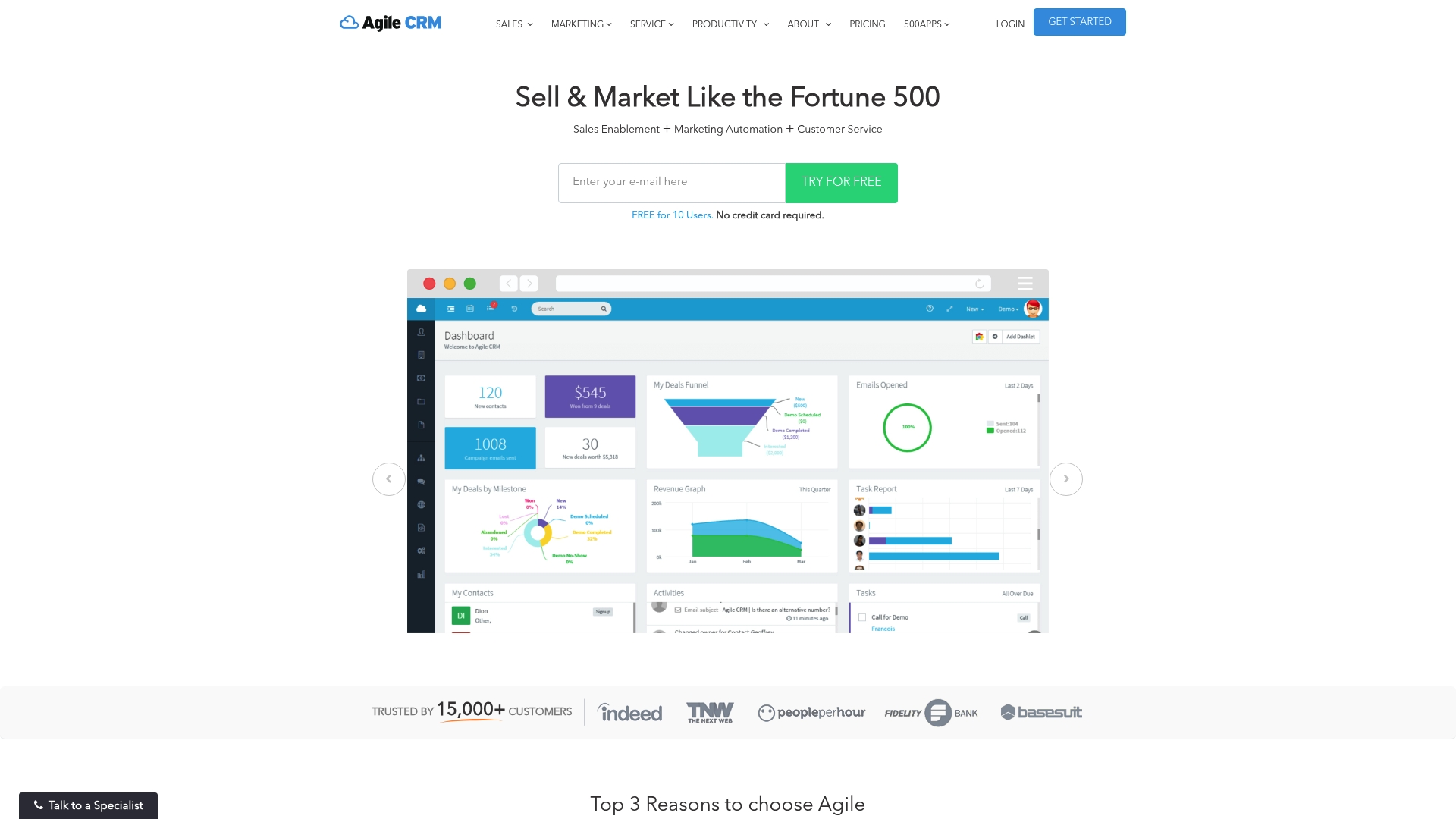
Free for 10 users is available with no credit card required. That free tier makes Agile CRM an accessible entry point for small teams that need CRM features without an upfront cost. The platform aims at small and medium businesses that want sales, marketing, and service tools bundled in one place.
Core Features
Agile CRM combines contact management and deal tracking with sales automation and telephony integration so teams can manage pipelines and calls in one interface. The product also includes marketing automation with a landing page builder plus social media and email marketing features for lead capture and nurture. Customer service tools include helpdesk, ticketing, canned responses, and feedback management to close the loop on support cases.
Key Differentiator
The standout is the All-in-One CRM claim that merges sales, marketing, and service automation in a single cloud product. That focus reduces the number of separate subscriptions a small business must manage. The design emphasizes affordability and ease of use rather than deep enterprise customization.
Pros
Agile CRM brings multiple toolsets under one roof so small teams avoid stitching together separate apps. The free tier lowers the barrier to trial and drops initial cost for very small teams. The platform runs in the cloud and supports mobile access so your team can update contacts and tickets from anywhere, and the product lists several popular connectors like Google Apps that simplify onboarding.
Cons
-
Limited mention of advanced analytics or AI features. This may be a problem for teams that need predictive scoring or deep reporting.
-
Feature depth can vary compared to specialized tools. Some marketing automation or support power users will notice gaps.
-
Less suitable for very large enterprises that need heavy customization or large scale architecture.
When It May Not Fit
If your company needs enterprise grade analytics or machine learning driven lead scoring, Agile CRM may not meet those needs. Organizations that run complex, custom sales workflows or require extensive scalability could outgrow the platform. Agencies managing dozens of large clients will likely need a more modular, configurable system.
Notable Integrations
Agile CRM lists connectors that matter to small businesses and remote teams. Key integrations include:
- Google Apps
- Twilio
- RingCentral
These links cover basic telephony, social channels, and core productivity suites.
Who It's For
Small to medium sized businesses seeking a single product to handle sales, marketing, and customer support will find this appealing. Startups that need to move quickly without buying multiple point tools can get started on the free tier. Marketing teams that run email campaigns and need linked deal tracking will see practical benefits.
Real World Use Case
A marketing team centralizes contact records in Agile CRM, builds landing pages for campaigns, and sends segmented email blasts from the same account. Sales tracks the resulting leads as deals and uses telephony integration to log calls. Support handles incoming tickets with canned responses so nothing falls through the cracks.
Pricing
Agile CRM offers a free tier that covers up to 10 users with no credit card required. Pricing for paid plans and per seat costs are not listed here. Visit the vendor site for current paid plan details.
Website: https://agilecrm.com
Podium
At a Glance
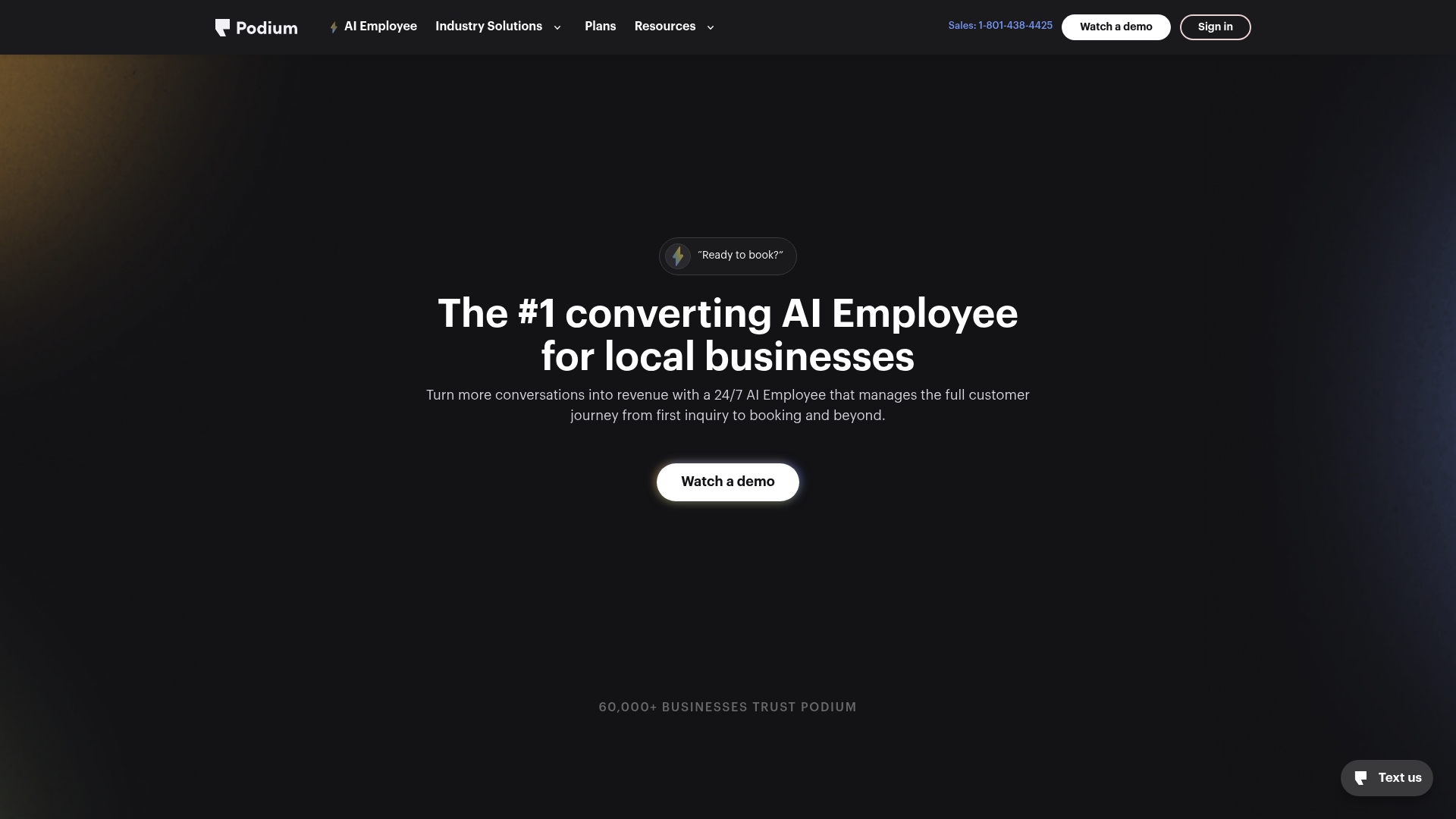
Podium reports being trusted by over 60,000 businesses. The product pairs a 24/7 AI Employee with tools that centralize customer messages and booking tasks. That setup targets local service and retail businesses that need faster response and more completed appointments. Early reviewers praise the AI for a human like tone.
Core Features
Podium provides always on AI response and booking automation, a single inbox for leads and customer conversations, and routines that re engage past customers. The system focuses on improving response speed and on tailoring flows for industries such as auto dealerships, home services, aesthetics, and retail. These features work together to move inquiries to booked appointments and follow ups.
Key Differentiator
The standout is the pairing of a persistent AI responder with industry specific customer journey adjustments. That combination aims to reduce missed leads and move more conversations toward revenue. Podium’s approach centers on automating repetitive contact points while keeping interactions conversational.
Pros
Podium’s marketing materials claim a 30% revenue increase and 45% higher conversions for some clients. The platform excels at after hours lead response, which reduces the number of missed opportunities for businesses that receive inquiries outside normal hours. It also handles high message volume so small teams do not get overwhelmed, and users report the AI feels human enough to maintain customer trust while cutting routine workload.
Cons
- Some users feel nervous about AI reliability at first, though many report improvement with time.
- Pricing and scalability details are not publicly listed, which makes budget planning difficult.
- There may be a learning curve for staff when integrating and training on the system.
- The material offers limited information on customization and API capabilities.
When It May Not Fit
Podium focuses on local small to medium operations, so large enterprises with complex systems may find the platform limited. Organizations that require detailed API access or deep customization should verify technical capabilities before committing. If you need public pricing tiers up front, this offering will not meet that requirement.
Who It's For
Owners of small to medium sized local businesses in service or retail industries who want to automate customer response and improve booking rates will find Podium relevant. It suits teams that receive many inbound messages and cannot staff full time coverage. Businesses that prioritize quick replies and re engagement of past customers will see the most value.
Real World Use Case
A car dealership routes online inquiries into Podium so the AI responds immediately, books test drive appointments, and follows up with past leads. That workflow reduces manual follow up and fills the service schedule faster. Sales staff then spend more time closing deals instead of chasing unanswered messages.
Pricing
Pricing is not publicly listed in the material. The product entry marks pricing as not applicable for informational purposes, so you will likely need to request a quote for budget planning.
Website: https://podium.com
Treiva
At a Glance
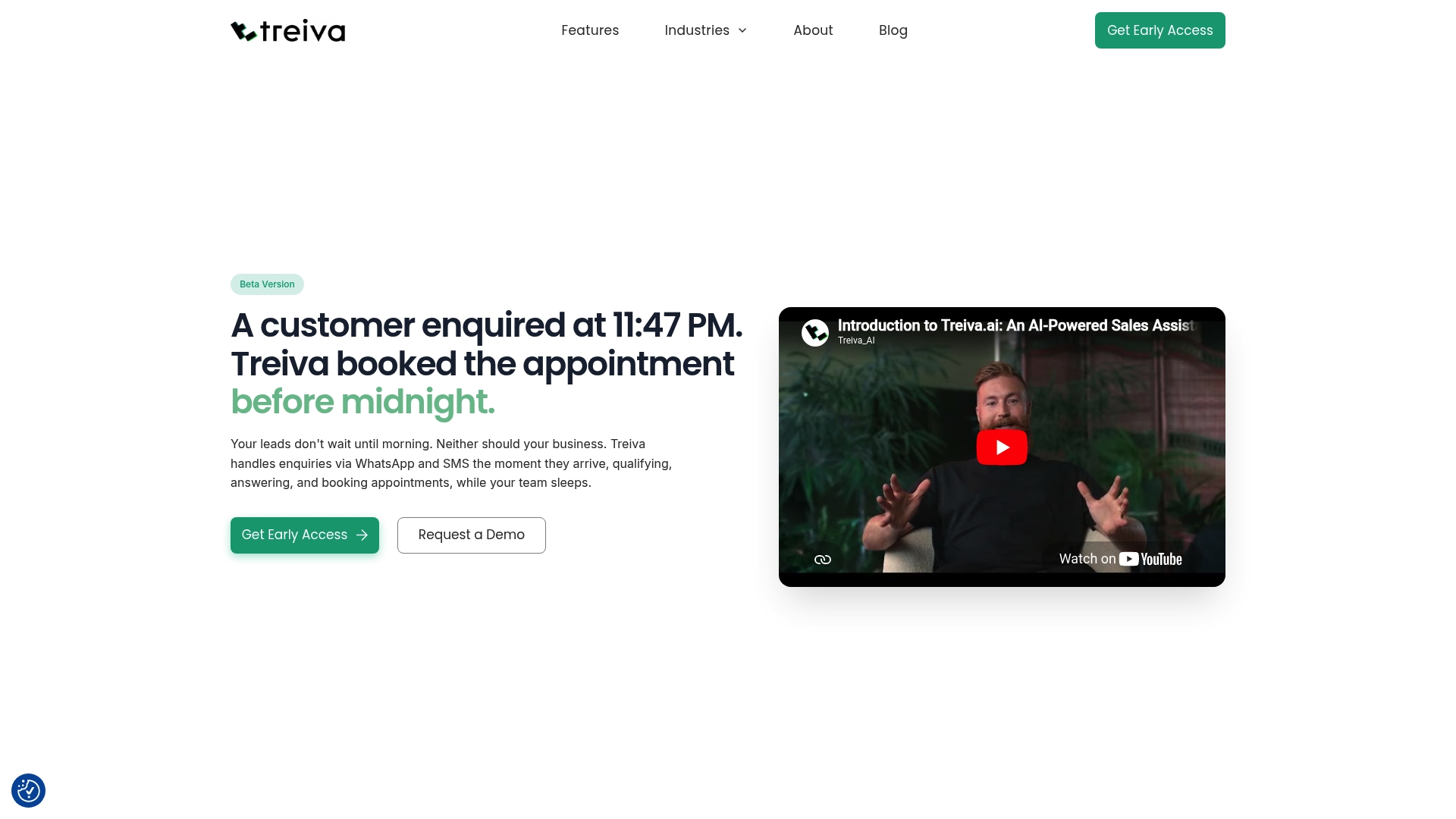
According to the company, most businesses are live within 48 hours after setup. Treiva runs an AI sales assistant that replies to leads across web forms, WhatsApp, social ads, and email. It also qualifies prospects and books appointments automatically so teams spend less time on first responses.
Core Features
Treiva answers inbound messages instantly across multiple channels and asks budget, timeline, urgency, and requirement questions to qualify leads. The assistant checks team availability and creates appointments with calendar integrations for Google and Outlook. It operates 24/7 to pick up nights, weekends, and holiday inquiries without manual handoffs.
Key Differentiator
The product focuses on real-time, multi-channel responsiveness paired with natural language qualification to turn inquiries into booked slots quickly. That combo reduces lag between a lead arriving and a confirmed appointment. The vendor positions this as its main advantage over basic autoresponders.
Pros
Treiva automates the moment of contact so you catch leads outside office hours and reduce lost opportunities. Integrations with WhatsApp, Google Calendar, Outlook, Rightmove, and Zoopla let teams keep existing workflows while the assistant handles first-touch qualification. The system lowers manual workload by asking qualifying questions and booking viewings or calls without staff intervention.
Cons
- Dependence on AI means initial configuration and training are required to match business criteria.
- Documentation on deep customization is limited, so complex lead scenarios may need manual escalation.
- The product may not fit workflows that require fully bespoke, human-driven follow-up sequences.
When It May Not Fit
If your business needs highly tailored, manual follow-ups for every lead, Treiva may feel restrictive. High-volume operations should verify performance and scaling behavior before committing. Teams that require on-premise deployments or full control over model tuning will find the vendor approach limiting.
Notable Integrations
Treiva connects to common messaging and ad platforms and to property portals used by estate agents. Key integrations listed are WhatsApp, Claude, OpenAI, Google, Outlook, Meta Ads, Zoopla, and Rightmove. These connections let the assistant capture leads from ads, portals, and chat channels then write calendar events in existing calendars.
Who It's For
Small to medium-sized businesses that need instant lead response and automated booking across messaging platforms will get the most value. Real estate agencies, mortgage brokers, trades, and lead gen shops that rely on chat and portal inquiries benefit from reduced response latency. Teams with minimal developer resources will appreciate the quick setup.
Real World Use Case
A property agency uses Treiva to reply to Rightmove and Zoopla inquiries. The assistant asks budget and viewing preferences, checks agent availability, and schedules viewings in Google Calendar. The agency then focuses staff time on qualified visits rather than initial screening.
Pricing
Pricing appears on the dashboard as £38 per month. That rate gives a clear starting point for small teams evaluating AI-assisted lead capture and booking.
Website: https://treiva.com
Comparison of alternatives
Ringmate AI stands out for its approach to integrating live-call answering with CRM workflows, creating lead management for small and medium businesses. However, competing solutions also offer strengths in accessibility, implementation speed, or specialized workflows.
Pricing Composition and Accessibility
EngageBay's pricing structure makes it the most accessible solution for smaller startups or teams thanks to its free plan for up to 15 users. This significantly reduces barriers to entry and allows new businesses to experiment with CRM capabilities at minimal cost. By contrast, Ringmate AI lacks publicly listed pricing and relies on custom quotes, which can introduce uncertainty. Agile CRM follows closely with its free tier supporting ten users, ensuring that smaller teams can leverage basic CRM features effectively.
Workflow Capabilities and Customization
Podium excels in fine-tuned responsiveness for appointment-based businesses, such as car dealerships and service retailers. Its pairing of AI booking automation with after-hours engagement maximizes interaction continuity. Treiva offers multi-channel integrations and real-time responses, benefiting businesses that depend on immediate engagement with leads from specific portals or chat platforms. These competitors shine for firms with niche requirements such as targeted appointment scheduling.
Best fit
- Owners of service-oriented businesses relying on phone leads will benefit from Ringmate AI’s integrated call-answering AI with CRM workflows, minimizing disconnected systems.
- Small startup teams should consider EngageBay for its extensive free tier and user-friendly interface, reducing costs while consolidating sales and support processes.
- Teams focused on automation workflows encompassing payment processing, CMS utilities, or high customization may find Ontraport's advanced setups advantageous for scalability.
- Retail operators requiring exceptional responsiveness and appointment volume handling will appreciate Podium’s industry-specific adjustments and AI chatbot reliability.
- Organizations managing inquiries across messaging platforms will leverage Treiva’s multi-channel adaptability paired with productive time-saving integrations.
Our pick
Ringmate AI enables businesses to effectively manage inbound phone inquiries in a manner that integrates lead data into adaptable CRM-driven processes. This reduces manual workload and maintains operational continuity across systems. However, alternatives like EngageBay or Agile CRM provide accessible entry points for smaller businesses requiring equally essential features with budget-conscious terms.
Selecting the right lead management software involves assessing platforms by their features, pricing, and suitability for your business needs.
| Software | Core Feature | Key Differentiator | Pricing | Notable Limitation |
|---|---|---|---|---|
| Ringmateai | AI-based lead capture and routing | All-in-one AI-powered solution for SMBs | Price not published | Pricing tier details require direct contact |
| EngageBay | Integrated CRM and marketing automation | Free tier for small teams | Free or $12.74/user/month | Advanced workflows demand a learning curve |
| Ontraport | Unified CRM and payment systems | Comprehensive business management features | $83/month | Costs increase with advanced tier or contact list expansion |
| Agile CRM | CRM, ticketing, and telephony | Free tier reduces start-up costs without barriers | Free for 10 users | Limited advanced analytics and customization possibilities |
| Podium | AI-driven customer interaction | Industry-specific conversation adjustments | Price not published | Public pricing details are absent |
| Treiva | Instant responses with AI qualification | Multi-channel lead conversion and booking focus | £38/month | Limited support for manual, custom workflows |
How To Avoid Missed Leads With HubSpot Alternatives Like Ringmateai
Small and medium companies that depend on inbound calls often struggle with slow follow-ups and fragmented tools. Ringmateai solves this by answering calls 24/7 with an AI receptionist that captures leads and automates follow-ups. This reduces manual work and stops missed opportunities from slipping through.
Ringmateai lets you:
- Centralize lead management in one AI-powered platform
- Book appointments and nurture leads automatically
- Free staff to focus on growing your business
Visit Ringmateai to see how you can move inbound inquiries into action faster and improve your sales outcomes.
FAQ
How does Ringmateai improve lead management for small businesses?
Ringmateai automates call intake and follow-up, reducing manual work and missed opportunities. It features customizable workflows that map calls to CRM fields and booking calendars, allowing business processes to align with existing operations. Small businesses can expect more efficient lead management and less manual effort.
What is the difference between EngageBay and Ringmateai?
EngageBay is known for its all-in-one packaging with a genuine free tier for small teams. Ringmateai excels in managing inbound calls and automating lead follow-ups specifically for service-oriented businesses. This makes Ringmateai a better option for teams heavily reliant on phone leads.
Which platform offers 24/7 availability for capturing leads?
Ringmateai provides 24/7 availability with an AI receptionist that handles calls, captures lead data, and logs it into the CRM. This capability helps businesses reduce missed leads outside regular working hours. Teams can leverage this feature for consistent lead engagement.
Can Ringmateai integrate with other marketing tools?
Yes, Ringmateai allows for custom tool integrations, enabling businesses to manage their marketing outreach effectively from one centralized dashboard. This means users can maintain their existing marketing tools while still enjoying Ringmateai's lead management functionality.
What pricing options are available for Ringmateai?
Pricing details for Ringmateai are not publicly listed, requiring direct contact for a customized quote based on factors like call volume and features. Prospective users should reach out to learn more about suitable pricing plans tailored to their needs.